



Last updated: November 20, 2026
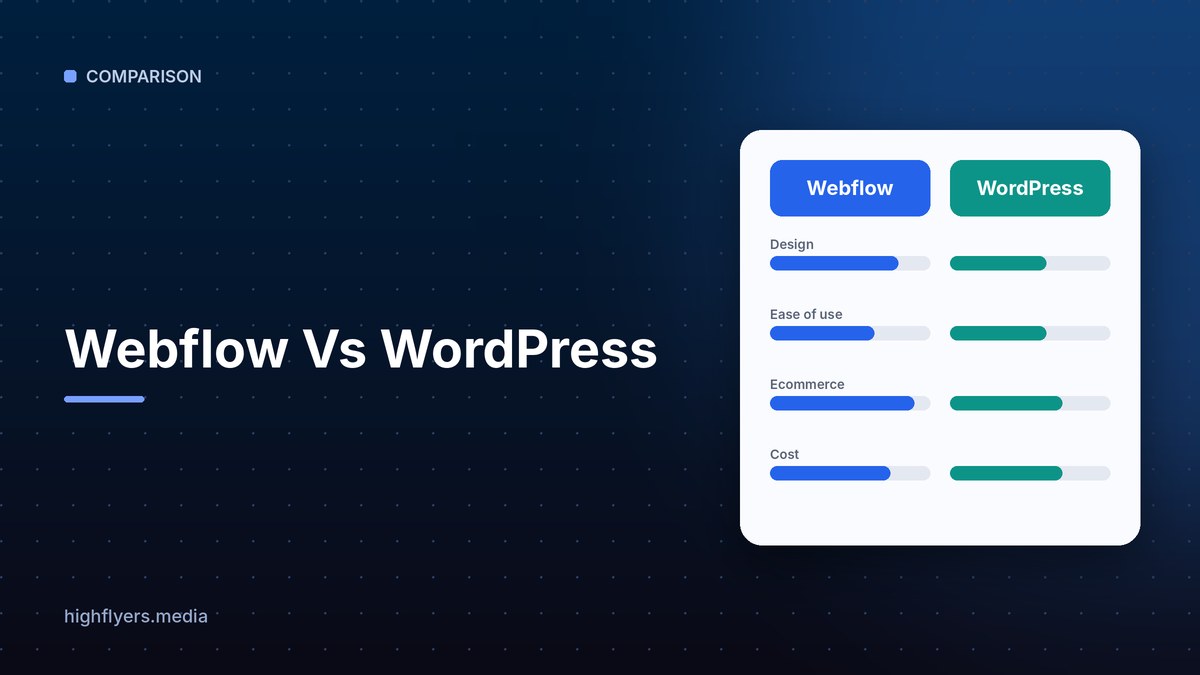
WordPress is the better choice for sites that need maximum flexibility, a huge plugin ecosystem, full ownership of code and data, or complex functionality such as memberships, directories and large WooCommerce stores. Webflow is the better choice for marketing teams that want pixel-perfect design, managed hosting and security, and a visual editor without plugins to maintain.
Webflow Vs WordPress At A Glance
| Feature | Webflow | WordPress (self-hosted) |
|---|---|---|
| Type | Hosted visual website builder | Open-source CMS you host yourself |
| Cost | Site plans plus optional workspace seats | Free software; you pay for hosting, themes, plugins and upkeep |
| Hosting and security | Managed by Webflow | Your responsibility or your host’s |
| Design control | Visual, close to hand-coded precision | Depends on theme or page builder |
| Plugins | Apps marketplace, smaller | Tens of thousands of plugins |
| CMS | Structured collections | Posts, pages, custom post types, fields |
| Ecommerce | Native, best for small to mid catalogs | WooCommerce, scales to large catalogs |
| Maintenance | Minimal | Regular updates, backups and security |
| Best for | Design-led marketing sites | Flexible, feature-rich sites of any size |
Cost
WordPress software is free, but real sites need hosting, a domain, a premium theme or page builder, paid plugins and someone to handle updates. Total cost ranges from very low for simple blogs to significant for complex business sites.
Webflow charges for site plans and, for teams, workspace seats. Hosting, SSL, CDN and security are included, so ongoing technical costs are lower and more predictable.
Verdict: WordPress can be cheaper for simple sites. Webflow is often cheaper once you count developer time for maintenance.
Design And Ease Of Use
Webflow gives designers precise visual control over layout, spacing and responsive breakpoints, and it outputs clean code. It has a learning curve, but no plugins or themes to wrestle with.
WordPress design depends on the theme and builder you choose, such as the block editor, Elementor or Bricks. Beginners can get started quickly with a theme, but sites with many plugins can become harder to manage.
Flexibility And Functionality
This is where WordPress leads. Plugins add almost anything: memberships, learning management, forums, booking, multilingual sites, directories and advanced SEO. Developers can also write custom code with full access to the database.
Webflow covers marketing sites, blogs and moderate ecommerce very well, but complex app-like functionality often needs third-party tools or custom code embeds.
Verdict: WordPress wins on flexibility.
Security And Maintenance
Webflow handles hosting, updates, backups and security. There are no plugins to patch.
WordPress powers a large share of the web, which makes it a frequent target. Outdated plugins and themes are the most common risk, so sites need regular updates, backups and security monitoring, or a managed WordPress host.
Verdict: Webflow wins on low maintenance.
SEO
Both can rank well. WordPress offers mature SEO plugins such as AIOSEO, Yoast and Rank Math. Webflow includes clean code, fast hosting and built-in controls for meta tags, redirects, sitemaps and schema embeds.
Pros And Cons
Webflow pros: precise design, managed hosting and security, clean code, low maintenance.
Webflow cons: less flexible for complex features, smaller app ecosystem, costs rise with seats and site plans.
WordPress pros: unmatched plugin ecosystem, full ownership, scales to any size, huge developer pool.
WordPress cons: ongoing maintenance, security risk from outdated plugins, design quality depends on the theme.
Which Should You Choose?
Choose Webflow if you are a marketing or design team that wants a beautiful, fast site without managing plugins or servers.
Choose WordPress if you need complex features, a large store, full code ownership or the widest pool of developers. For other comparisons, see Framer and Webflow and WordPress and Wix, or browse our list of top web design companies in the USA.
How We Researched This Guide
We compared each platform’s documented features, plan structure and total cost of ownership, including hosting, plugins and maintenance, and looked at how each handles design, content, ecommerce, SEO and security for typical business sites.
Frequently Asked Questions
Is Webflow better than WordPress?
Webflow is better for design-led marketing sites with low maintenance. WordPress is better for complex, feature-rich sites that need plugins or full code ownership.
Is WordPress free?
The WordPress software is free, but you pay for hosting, a domain, premium themes, plugins and maintenance.
Which is more secure?
Webflow is easier to keep secure because hosting and updates are managed for you. WordPress can be just as secure with regular updates and good hosting.
Conclusion
Webflow is the best choice for teams that value design control and low maintenance. WordPress is the best choice for flexibility, scale and ownership. Decide based on how complex your site will become and who will maintain it.
