



Last updated: November 20, 2026
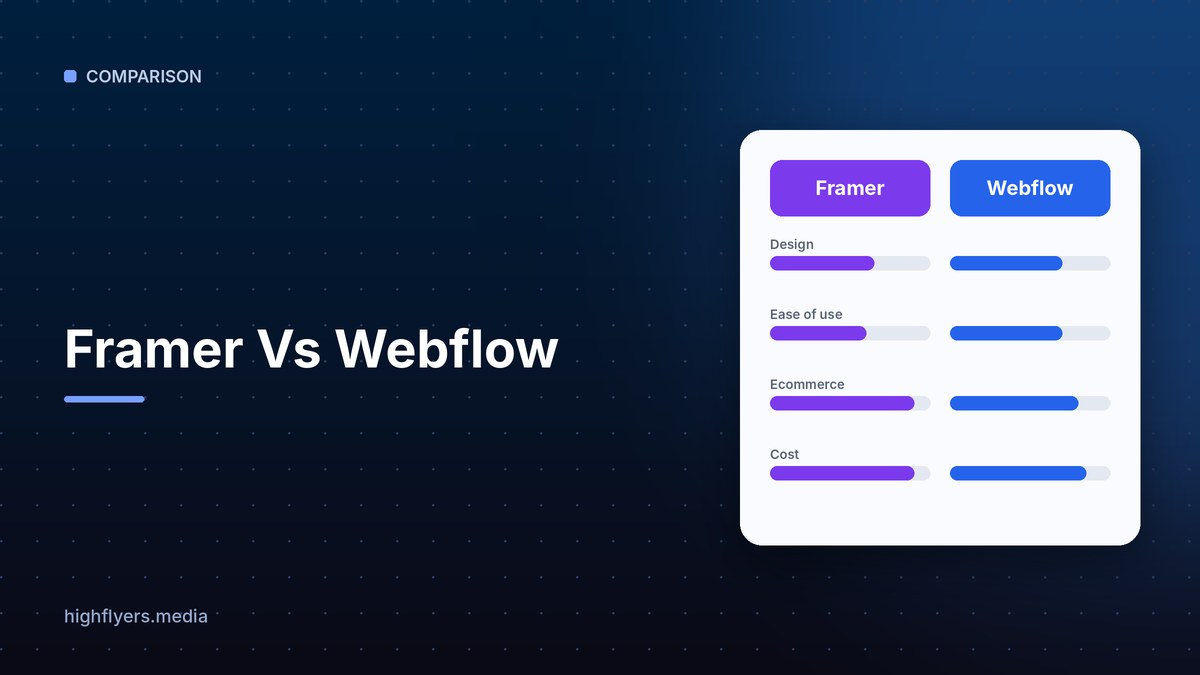
Framer is the better choice for designers, startups and marketing teams that want to launch polished, animated landing pages and marketing sites quickly, with a design-tool feel close to Figma. Webflow is the better choice for larger content-driven sites that need a powerful CMS, fine-grained control over HTML and CSS, team roles and room to scale. Both are leading no-code website builders, and both produce fast, hosted sites.
Framer Vs Webflow At A Glance
| Feature | Framer | Webflow |
|---|---|---|
| Feels like | A design tool such as Figma | A visual front-end development tool |
| Free plan | Yes, on a Framer subdomain | Yes, on a webflow.io subdomain |
| Learning curve | Gentle for designers | Steeper; rewards knowledge of the box model and CSS |
| CMS | Built in, good for blogs and simple collections | Advanced, with references, multi-references and large collections |
| Animations | Very easy, smooth interactions out of the box | Powerful interactions and GSAP-based animations |
| AI | AI page generation, translation and editing | AI site building and content assistance |
| Ecommerce | Limited; usually via third-party tools | Native ecommerce plans |
| Team features | Real-time multiplayer editing | Workspaces, roles, staging and publishing workflows |
| Best for | Startup sites, portfolios and landing pages | Marketing sites with large CMS and complex structure |
Pricing
Both platforms split pricing into site plans (hosting, bandwidth, CMS limits and custom domains) and, for teams, workspace or editor seats.
Framer site plans are generally cheaper at entry level, which makes it popular with startups and freelancers launching a single marketing site.
Webflow site plans scale from basic sites to CMS and business plans, plus separate ecommerce plans. Workspace plans add seats and collaboration features for agencies and in-house teams.
Verdict: Framer is usually cheaper for small sites. Webflow costs more but covers bigger, more complex builds.
Ease Of Use
Framer works like a design canvas. Designers coming from Figma can drag, drop and style elements with almost no learning curve, and responsive breakpoints are straightforward. Many teams can design and publish a site in days.
Webflow exposes web structure directly: divs, classes, flexbox, grid and styles. That gives precise control, but beginners often need a course or template to feel comfortable.
Verdict: Framer wins for speed and ease.
CMS And Content
Webflow’s CMS is one of its biggest strengths. Collections can reference each other, support many fields and power large blogs, resource libraries and programmatic pages. Editors can update content without touching the design.
Framer’s CMS handles blogs, changelogs and job listings well, but it is less suited to complex content models with many related collections.
Verdict: Webflow wins for content-heavy sites.
Design, Animation And Interactions
Framer makes motion easy: hover effects, scroll animations, page transitions and interactive components take minutes. Webflow offers deep interaction tools and advanced animation capabilities, but they take longer to master.
SEO And Performance
Both produce fast sites on global CDNs, support custom meta titles and descriptions, clean URLs, sitemaps, redirects and Open Graph images. Webflow offers slightly more granular SEO control at scale, especially for large CMS-driven sites.
Pros And Cons
Framer pros: fastest path from design to live site, beautiful animations, low entry price, real-time collaboration.
Framer cons: simpler CMS, limited native ecommerce, less control over code structure.
Webflow pros: powerful CMS, precise control over layout and code, mature team workflows, native ecommerce.
Webflow cons: steeper learning curve, higher cost for larger sites and teams.
Which Should You Choose?
Choose Framer if you are a startup, designer or small team that wants a beautiful marketing site fast.
Choose Webflow if you need a large CMS, complex page structures, ecommerce or agency-style team workflows.
If you would rather hire experts, see our list of Webflow companies for SaaS startups and our comparison of Webflow and WordPress.
How We Researched This Guide
We reviewed both platforms’ plans and documentation and compared them on the tasks teams do most: designing pages, building responsive layouts, managing CMS content, adding animations and publishing with SEO settings. Plans and prices change, so check each vendor’s site.
Frequently Asked Questions
Is Framer easier than Webflow?
Yes for most designers. Framer works like a design tool, while Webflow requires an understanding of web layout concepts such as classes and flexbox.
Which is better for SEO?
Both are strong. Webflow offers more granular control for large, CMS-driven sites, while Framer covers SEO basics well for smaller sites.
Can you build an online store with Framer?
Not natively at the level of Webflow. Framer sites usually connect to third-party checkout tools, while Webflow has built-in ecommerce plans.
Conclusion
Framer is the best pick for fast, design-led marketing sites and landing pages. Webflow is the best pick for content-heavy sites that need a powerful CMS and precise control. Match the tool to the size and complexity of your site.
