



Last updated: November 20, 2026
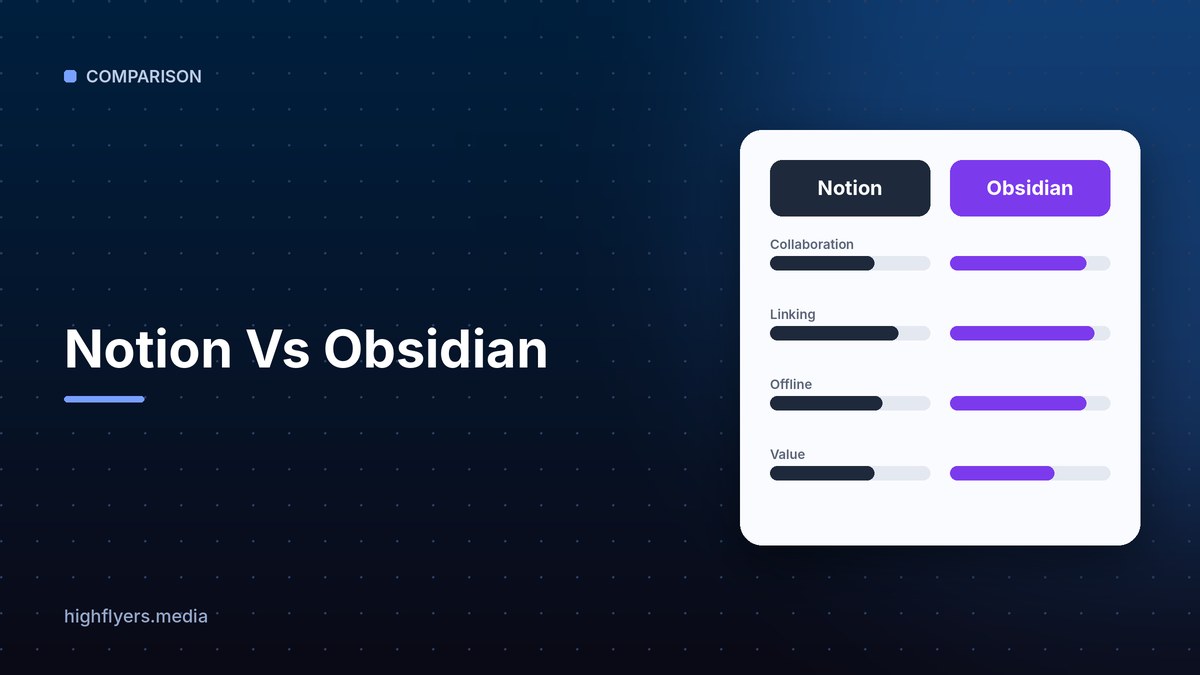
Notion is the better choice for teams and people who want an all-in-one workspace for notes, docs, databases, projects and wikis, with real-time collaboration in the cloud. Obsidian is the better choice for individuals who want a private, fast, offline-first note system built on plain Markdown files they own, with powerful linking for building a personal knowledge base.
Notion Vs Obsidian At A Glance
| Feature | Notion | Obsidian |
|---|---|---|
| Storage | Cloud, on Notion’s servers | Local Markdown files on your device |
| Free plan | Yes, for individuals | Yes, free for personal and commercial use |
| Paid options | Plus, Business and Enterprise plans per member | Optional Sync and Publish add-ons |
| Collaboration | Real-time, built for teams | Limited; designed for individuals |
| Databases | Powerful built-in databases and views | Via community plugins such as Dataview and Bases |
| Offline use | Partial | Full |
| Linking and graph | Backlinks and page mentions | Bidirectional links and a visual graph view |
| Extensibility | Integrations and API | Thousands of community plugins and themes |
| AI | Notion AI built in | Through community plugins |
| Best for | Teams, wikis and project tracking | Personal knowledge management and privacy |
Pricing
Notion is free for individuals with core features. Paid Plus and Business plans add unlimited file uploads, more guests, longer page history, advanced permissions and, on Business, Notion AI features for the whole workspace. Enterprise adds admin controls and security.
Obsidian is free for personal and commercial use. You pay only if you want optional services: Obsidian Sync to keep notes in sync across devices with end-to-end encryption, and Obsidian Publish to put notes online as a website. You can also sync for free with your own cloud folder or Git.
Verdict: Obsidian is cheaper for individuals. Notion costs more but includes hosting and collaboration.
Ownership And Privacy
Obsidian stores every note as a plain Markdown file in a folder on your device. You can open your notes in any text editor, back them up however you like, and never worry about a company shutting down your access.
Notion stores your workspace in the cloud. Export is available, but databases and layouts do not always translate cleanly to other tools.
Verdict: Obsidian wins on ownership and privacy.
Collaboration
Notion was built for teams. Multiple people can edit the same page at once, comment, mention teammates, assign tasks and share pages publicly. Company wikis, meeting notes and project trackers work naturally.
Obsidian is designed for one person. Shared vaults are possible through sync services, but real-time co-editing and permissions are limited.
Verdict: Notion wins clearly for teams.
Organizing Knowledge
Notion organizes information in pages and databases. Databases can be shown as tables, boards, calendars, timelines and galleries, which makes Notion excellent for structured information like content calendars, CRMs and task lists.
Obsidian organizes knowledge through links. Every note can link to others, backlinks show where a note is mentioned, and the graph view reveals connections across your ideas. Researchers, writers and students who build a “second brain” often prefer this approach.
Speed And Offline Use
Obsidian is fast because it works on local files and runs fully offline. Notion relies on the cloud and can feel slower with large workspaces, though offline support has improved.
Pros And Cons
Notion pros: all-in-one workspace, real-time collaboration, powerful databases, built-in AI, easy sharing.
Notion cons: cloud-only data, can slow down with large workspaces, paid plans for teams.
Obsidian pros: free, local Markdown files you own, fast and fully offline, huge plugin ecosystem, strong linking.
Obsidian cons: weak team collaboration, plugins add setup time, sync costs extra unless you set it up yourself.
Which Should You Choose?
Choose Notion if you work with a team, need a shared wiki or project tracker, or want databases without setup.
Choose Obsidian if you take notes mainly for yourself, care about privacy and ownership, or want to build a linked personal knowledge base.
Some people use both: Obsidian for private thinking and Notion for shared team work.
How We Researched This Guide
We reviewed both products’ published plans and documentation and compared them on everyday tasks: capturing notes, organizing projects, linking ideas, sharing pages and working offline. Plans and prices can change, so check each vendor’s site.
Frequently Asked Questions
Is Obsidian really free?
Yes. Obsidian is free for personal and commercial use. Sync and Publish are optional paid add-ons.
Can Notion work offline?
Partly. Notion has improved offline access, but it is still a cloud-first app. Obsidian works fully offline.
Which is better for teams?
Notion, because it supports real-time co-editing, comments, permissions and shared databases.
Conclusion
Notion is the best all-in-one workspace for teams and structured information. Obsidian is the best tool for private, linked personal notes you fully own. Choose by whether your notes are mainly for you or for a team.
