



Last updated: November 20, 2026
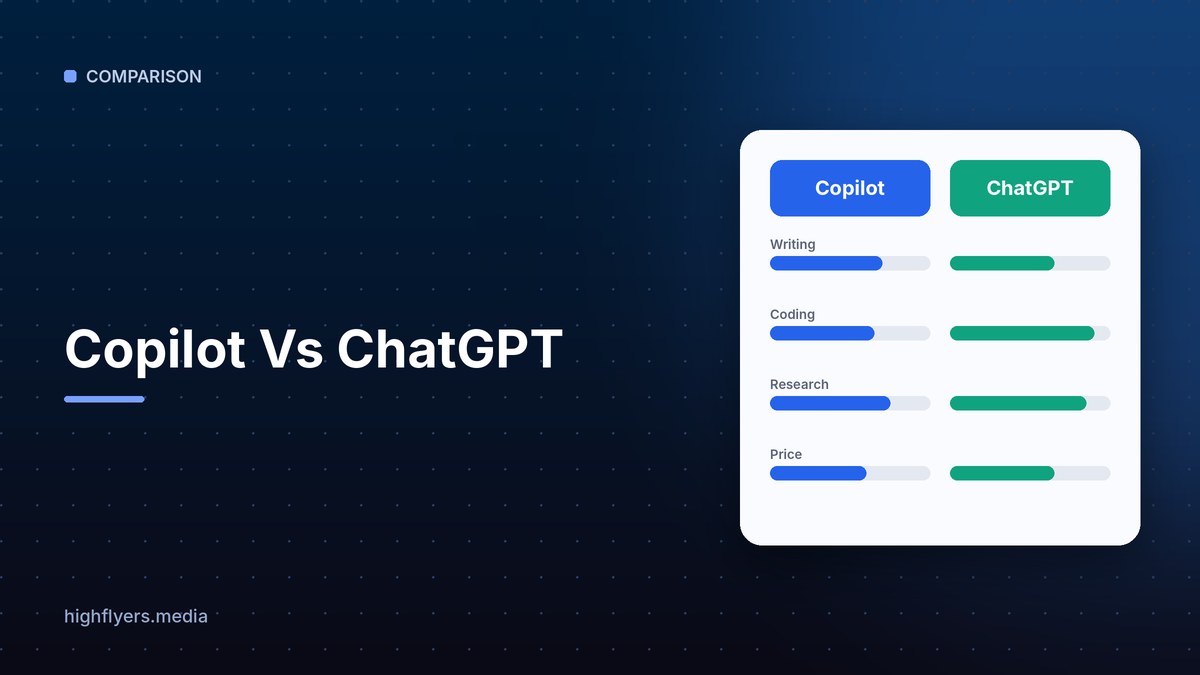
Microsoft Copilot is the better choice for people and companies that work in Microsoft 365, because it works inside Word, Excel, PowerPoint, Outlook and Teams and, on business plans, can draw on your emails, files and meetings. ChatGPT is the better choice for a flexible standalone assistant with a broader feature set, custom GPTs, strong writing and coding, and integrations across many non-Microsoft tools.
Copilot Vs ChatGPT At A Glance
| Feature | Microsoft Copilot | ChatGPT |
|---|---|---|
| Maker | Microsoft | OpenAI |
| Free version | Yes, Copilot app and web | Yes |
| Consumer paid access | Included in Microsoft 365 Personal and Family plans, with usage limits | Plus, about $20 per month |
| Business option | Microsoft 365 Copilot add-on per user | Business and Enterprise plans |
| Office integration | Native in Word, Excel, PowerPoint, Outlook, Teams | Via connectors and file uploads |
| Work data | Uses Microsoft Graph: emails, files, meetings | Uses connected apps and uploaded files |
| Image generation | Yes | Yes |
| Custom assistants | Copilot agents | Custom GPTs |
| Best for | Microsoft 365 users and companies | Flexible standalone use |
Pricing
The free Copilot app offers chat, web search and image generation. Microsoft 365 Personal and Family subscriptions include Copilot features in Office apps with monthly usage limits. Businesses buy Microsoft 365 Copilot as a per-user add-on, priced well above consumer AI plans.
ChatGPT offers a free tier, Plus around $20 per month, a premium Pro tier, and team and enterprise plans.
Verdict: For individuals, ChatGPT Plus is simpler. For companies already on Microsoft 365, Copilot can justify its higher price.
Work Inside Office Apps
Copilot’s main strength is context. In Outlook it summarizes long email threads and drafts replies. In Teams it recaps meetings and lists action items. In Word, Excel and PowerPoint it drafts documents, analyzes data and builds presentations from your files. On business plans it respects your organization’s permissions and security policies.
ChatGPT can do similar tasks when you upload files or connect apps, but it does not live inside Office apps the same way.
Verdict: Copilot wins for Microsoft 365 work.
General Assistant Tasks
ChatGPT is the more versatile standalone assistant for brainstorming, long-form writing, coding, data analysis, voice conversations and custom GPTs. Its memory and app ecosystem make it a strong personal assistant across many tools.
Copilot handles general questions and web search well, and Microsoft builds on leading models, but its biggest advantages appear inside Microsoft products.
Verdict: ChatGPT wins outside Microsoft 365.
Security And Admin Controls
Microsoft 365 Copilot inherits Microsoft’s enterprise compliance, data residency and permission controls, which IT teams value. ChatGPT’s business and enterprise plans also offer data protections, admin controls and options to keep data out of model training.
Pros And Cons
Copilot pros: native in Office apps, uses your work context, enterprise security, free app available.
Copilot cons: business add-on is expensive, best value only within Microsoft 365.
ChatGPT pros: versatile and powerful, custom GPTs, strong writing and coding, large ecosystem.
ChatGPT cons: less native integration with Office apps, work context requires connecting tools.
Which Should You Choose?
Choose Copilot if your company runs on Microsoft 365 and you want AI inside Outlook, Teams and Office documents.
Choose ChatGPT if you want the most flexible assistant across many tasks and tools. Also see Gemini vs ChatGPT and our comparison of Google Workspace and Office 365.
How We Researched This Guide
We reviewed each provider’s published plans, licensing and feature documentation and compared the assistants on Office tasks, general writing and research, coding, security and cost. AI products change quickly, so check current features and pricing.
Frequently Asked Questions
Is Copilot the same as ChatGPT?
No. Copilot is Microsoft’s assistant, built on advanced AI models and integrated with Microsoft products. ChatGPT is OpenAI’s own assistant.
Is Microsoft Copilot free?
The Copilot app is free. Copilot in Office apps comes with Microsoft 365 consumer plans, with limits, and businesses buy Microsoft 365 Copilot as an add-on.
Which is better for business?
Copilot for companies standardized on Microsoft 365. ChatGPT for companies that use many different tools or want a flexible assistant.
Conclusion
Copilot is the best AI assistant for Microsoft 365 workplaces. ChatGPT is the best flexible assistant for everything else. Choose based on where your work already lives.
