
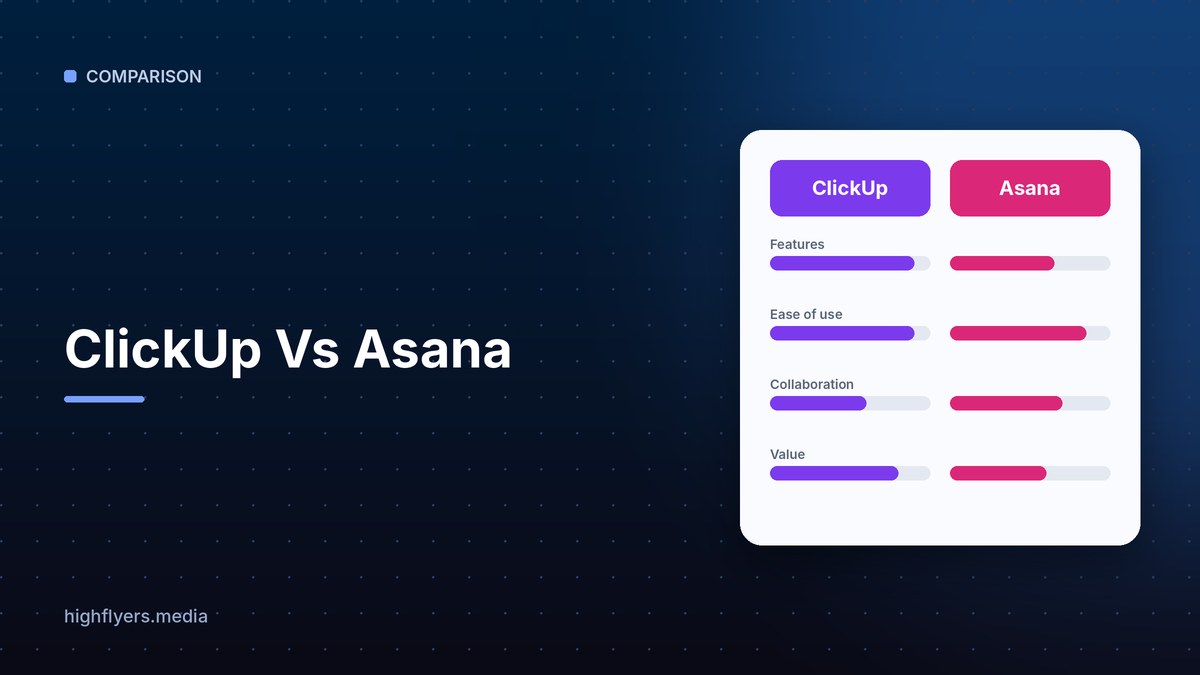



ClickUp and Asana both help teams plan and track work, but they take different approaches. ClickUp aims to replace several apps at once, combining tasks, docs, whiteboards, chat, goals and time tracking in one highly customizable platform. Asana is more focused and polished, prioritizing clarity and ease of adoption for project and portfolio management.
ClickUp Vs Asana At A Glance
| Feature | ClickUp | Asana |
|---|---|---|
| Scope | Tasks, docs, chat, whiteboards, time tracking | Tasks, projects, portfolios, goals |
| Customization | Extensive | Moderate |
| Learning curve | Steeper | Gentler |
| Free plan | Yes, generous | Yes |
| Paid pricing | Typically lower per user | Typically higher per user |
| Best for | Teams consolidating tools on a budget | Teams wanting clarity and polish |
Features And Ease Of Use
ClickUp packs in more features and views than almost any competitor, which suits teams that want everything in one place but can feel overwhelming. Asana has fewer moving parts and a cleaner interface, so teams usually adopt it faster and use it more consistently.
Pricing
Both have free plans and per-user paid tiers, with AI sold as part of higher plans or as an add-on. ClickUp’s paid tiers are generally cheaper than Asana’s. See ClickUp pricing and Asana pricing.
Which Should You Choose?
Choose ClickUp if you want an all-in-one workspace and lower cost, and have someone to set it up. Choose Asana if you want a clean, reliable project tool that teams pick up quickly. Also compare Monday vs Asana and Trello vs Asana.
Frequently Asked Questions
Is ClickUp better than Asana?
ClickUp has more features for the price. Asana is easier to use and more polished. The better tool is the one your team will actually use every day.
Can I import Asana projects into ClickUp?
Yes. ClickUp has an Asana importer that brings over projects, tasks and assignees.
