



Last updated: November 20, 2026
monday.com is the better choice for teams that want a highly visual, customizable workspace they can shape into CRM, project tracking or operations boards. Asana is the better choice for teams that run structured projects with clear task ownership, dependencies and goals. Both are mature work management platforms with free plans, so the right pick depends on how your team plans work and how much customization you want.
Monday Vs Asana At A Glance
| Feature | monday.com | Asana |
|---|---|---|
| Free plan | Yes, up to 2 seats | Yes, for individuals and small teams |
| Paid plans from | About $9 per seat per month, billed annually, 3-seat minimum | About $11 per user per month, billed annually |
| Core strength | Flexible boards and no-code customization | Structured projects, goals and portfolios |
| Views | Table, Kanban, timeline, Gantt, calendar, dashboards | List, board, timeline, calendar, Gantt, workload |
| Automations | Yes, recipe-based, monthly action limits by plan | Yes, rules on paid plans |
| AI features | monday AI for summaries, formulas and task generation | Asana AI for summaries, status updates and smart workflows |
| Extra products | CRM, Dev and Service built on the same platform | Focused on work management |
| Best for | Teams that want one flexible system for many workflows | Teams that manage projects with clear owners and deadlines |
Pricing
Both platforms charge per seat, and both offer discounts for annual billing.
monday.com has a free plan for up to two seats, then Basic, Standard, Pro and Enterprise tiers. Paid plans are sold in seat buckets with a three-seat minimum, so a two-person team still pays for three. Most growing teams need the Standard plan for timeline and Gantt views, automations and integrations.
Asana has a free Personal plan, then Starter, Advanced, Enterprise and Enterprise+. Starter unlocks timeline, Gantt views, workflow rules and Asana AI. Advanced adds goals, portfolios, approvals and time tracking.
Verdict: Pricing is close at entry level. monday.com can be cheaper for teams that fit its seat buckets, while Asana is simpler to budget for small teams because there is no seat minimum.
Ease Of Use
monday.com feels like a colorful, spreadsheet-style workspace. New users pick it up quickly, and managers can build custom boards with status columns, people columns, numbers and formulas without help from IT. The trade-off is that flexible setups can become messy without clear conventions.
Asana is more opinionated. Work lives in projects, tasks and subtasks with one assignee and a due date. That structure makes it easy to see who owns what, and new team members rarely need training to understand where work lives.
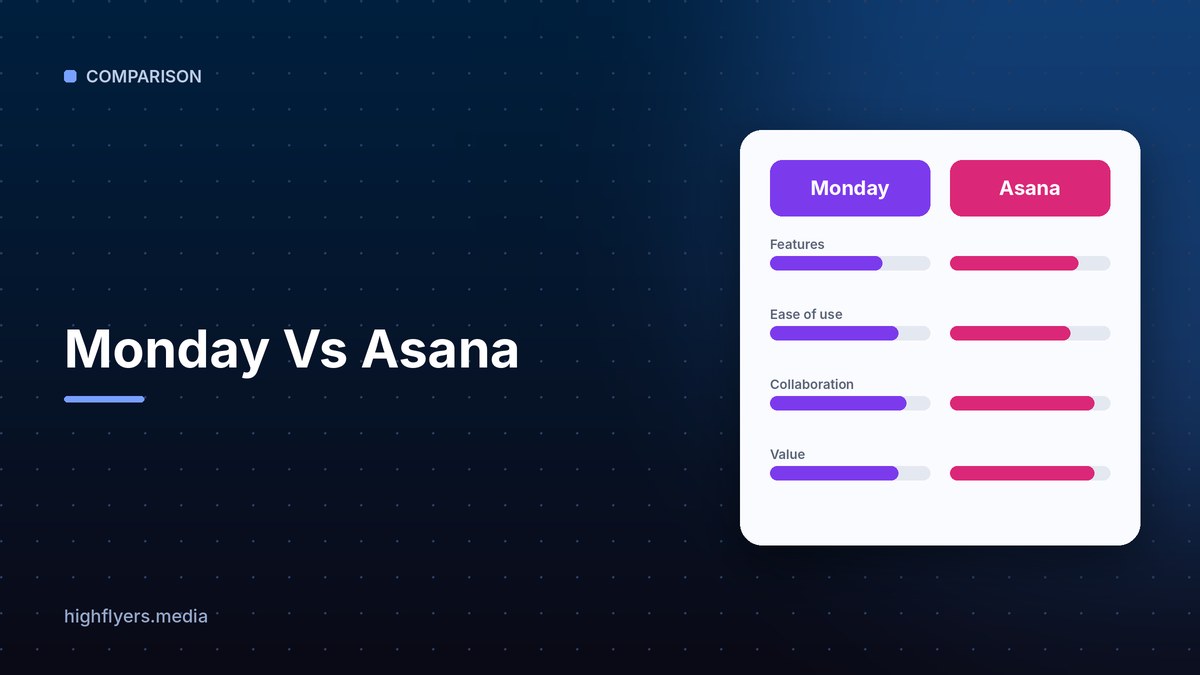
Verdict: monday.com wins for quick, visual onboarding. Asana wins for clarity of ownership.
Project Management Features
Both tools cover the essentials: tasks, subtasks, due dates, dependencies, file attachments, comments and multiple views.
Asana is stronger for formal project management. Goals connect daily tasks to company objectives, portfolios roll up the status of many projects, and the workload view helps managers balance capacity across people.
monday.com is stronger for operational workflows that are not classic projects, such as content calendars, hiring pipelines, inventory or client onboarding. Its dashboards combine data from many boards into charts and widgets.
Automations And Integrations
monday.com uses simple automation recipes such as “when status changes to Done, notify the owner.” Paid plans include a monthly cap on automation actions, so heavy users should check limits.
Asana uses rules that trigger on events like task completion or field changes, and its Advanced plan adds more complex workflow building.
Both connect to Slack, Microsoft Teams, Google Workspace, Zoom, Jira, GitHub, Salesforce and Zapier.
Pros And Cons
monday.com pros: highly visual and customizable, strong dashboards, can double as a CRM or service desk, quick to learn.
monday.com cons: three-seat minimum, automation limits per plan, flexible boards can become disorganized.
Asana pros: clear task ownership, goals and portfolios, strong workload management, no seat minimum.
Asana cons: less flexible for non-project workflows, key features sit on the Advanced plan.
Which Should You Choose?
Choose monday.com if you want one adaptable platform for many kinds of work, including sales pipelines, operations and marketing calendars, and you value visual dashboards.
Choose Asana if your team runs defined projects with deadlines, dependencies and goals, and you want everyone to know exactly who owns each task.
If your engineering team also needs a tool, see our comparison of Asana and Jira and our guide to Trello and Asana.
How We Researched This Guide
We reviewed each vendor’s published plans, pricing pages and feature documentation, then compared how each tool handles everyday work: creating projects, assigning tasks, tracking deadlines, automating handoffs and reporting progress. Prices are approximate and can change, so check each vendor’s site before buying.
Frequently Asked Questions
Is monday.com or Asana better for small teams?
Asana is often easier for very small teams because it has no seat minimum and a generous free plan. monday.com suits small teams that want visual boards and are happy to buy at least three seats.
Can monday.com replace a CRM?
Yes for many small businesses. monday CRM is built on the same platform and adds pipelines, contacts and email tracking.
Does Asana have AI features?
Yes. Asana AI can summarize tasks, draft status updates and help build workflows on paid plans.
Conclusion
monday.com and Asana are both excellent. Pick monday.com for flexibility and visual dashboards across many workflows. Pick Asana for structured projects with clear owners, goals and timelines. Both offer free plans, so trial each with one real project before you commit.
