
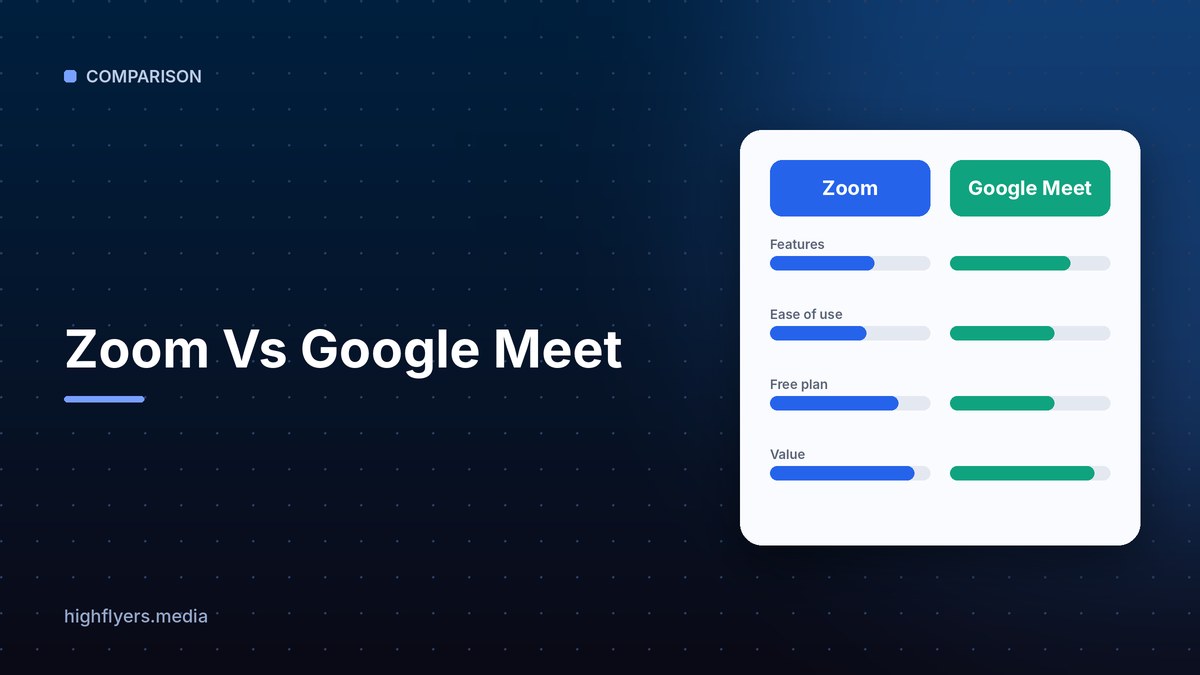



Zoom and Google Meet are two of the most widely used video meeting apps. Zoom is a dedicated communications platform with deep meeting controls, webinars, phone and team chat. Google Meet is built into Google Workspace, so it runs in the browser and connects naturally with Gmail, Calendar and Docs.
Zoom Vs Google Meet At A Glance
| Feature | Zoom | Google Meet |
|---|---|---|
| Free plan meeting limit | 40 minutes | 60 minutes for group calls |
| App required | Desktop app recommended, browser available | Browser based, no install |
| Advanced meeting controls | Extensive | Good, simpler |
| Webinars and large events | Zoom Webinars and Events | Live streaming on higher Workspace plans |
| AI assistant | Zoom AI Companion | Gemini in Meet |
| Best for | Meeting-heavy teams and events | Google Workspace users |
Meeting Features
Zoom offers granular host controls, breakout rooms, polling, whiteboards and strong performance on weaker connections. Google Meet covers the essentials, including breakout rooms and polls on paid plans, and launches from a calendar invite with no install. Both now offer AI summaries and notes.
Pricing
Zoom sells Workplace plans per user. Google Meet is included with Google Workspace plans, which also cover email, storage and docs, so it is often the better value if you already use Workspace. See Zoom pricing and Google Workspace pricing.
Which Should You Choose?
Choose Zoom if meetings, webinars and events are central to your work and you want the most control. Choose Google Meet if your team lives in Google Workspace and wants simple, install-free calls. Also see Webex vs Zoom and Slack vs Teams.
Frequently Asked Questions
Is Google Meet free?
Yes, with a Google account, though group calls on the free tier are time limited. Paid Workspace plans remove the limit and add features.
Can Zoom users join a Google Meet?
Yes. Anyone with the link can join a Meet from a browser, and Zoom meetings also have a browser join option.
