
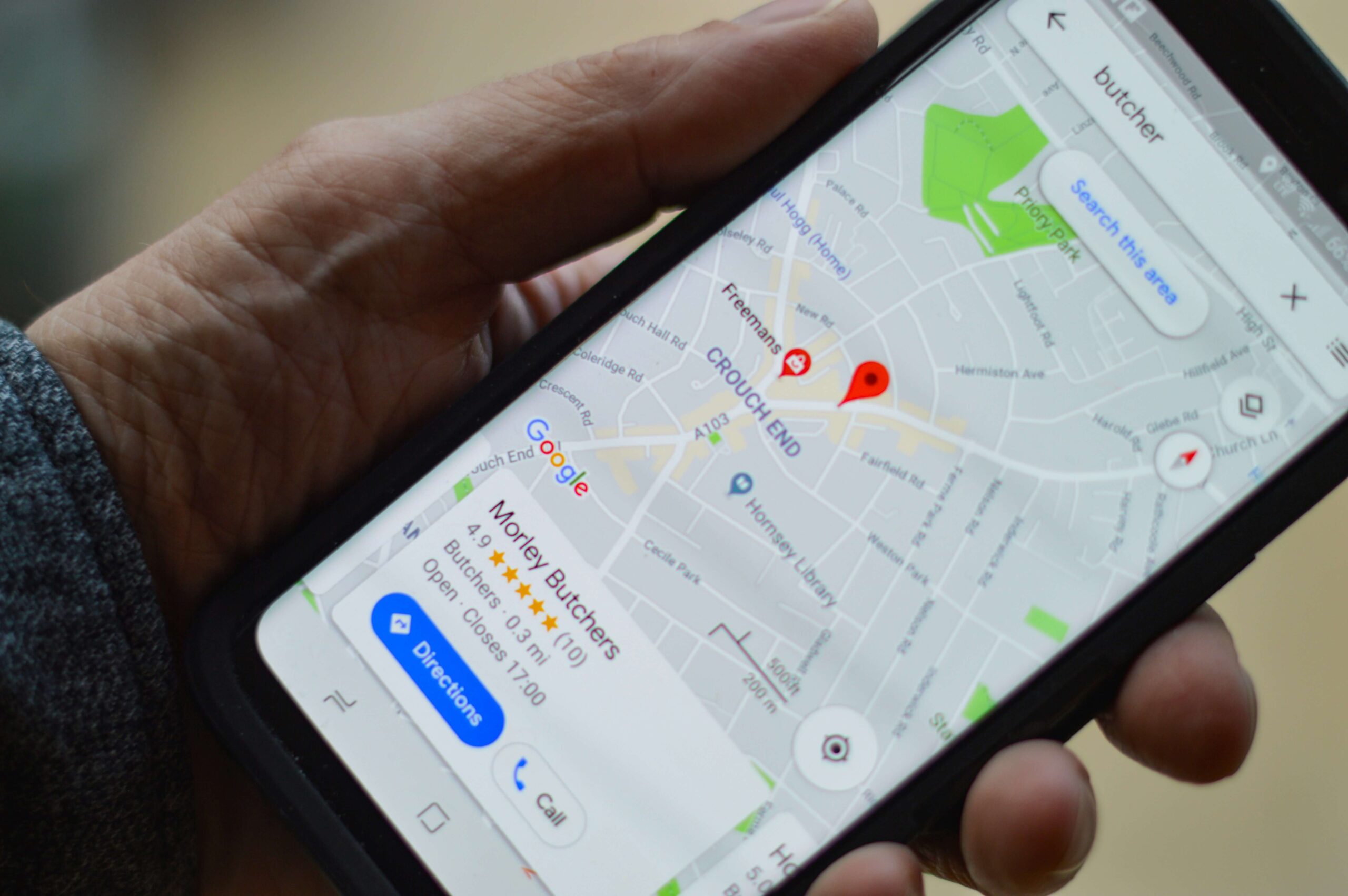



If you want to know how to rank on Google Maps, start with a simple fact: the businesses that show up first for “plumber near me” or “best coffee in town” are rarely there by accident. They have a complete, accurate Google Business Profile, a steady flow of genuine reviews, and a website that tells Google clearly where they are and what they do. None of that requires a big budget, but it does require consistency.
Google Maps results drive calls, direction requests and walk-in visits, which makes them some of the most valuable real estate a local business can earn. The good news is that Google publishes the core principles behind its local results. The less good news is that plenty of popular tactics, from stuffing keywords into your business name to filtering which customers get asked for reviews, break Google’s rules and can get a profile suspended.
This guide walks through what Google itself says about Google Maps ranking, a practical optimization checklist you can work through this month, the shortcuts to avoid, and how to measure whether your efforts are paying off. Everything here reflects Google’s published guidance as of October 2026.
How Google Maps Ranking Works: Relevance, Distance and Prominence
Google’s Business Profile Help page, Tips to improve your local ranking on Google, names three main factors that determine which businesses appear in local results, including Google Maps. Understanding them tells you where to spend your time.
| Factor | What Google says it means | How much you can influence it |
|---|---|---|
| Relevance | How well a Business Profile matches what someone is searching for | High: categories, services, description and website content |
| Distance | How far each potential result is from the location used in the search | Low: you cannot move your business, but an accurate address and service area matter |
| Prominence | How well-known a business is, including links to its site, review count and ratings | Medium to high over time: reviews, citations, press and a strong website |
Relevance
Relevance is about matching intent. Google notes that complete, detailed business information helps it understand your business and match your profile to relevant searches. If you are a dental practice that offers emergency appointments and Invisalign, but your profile only says “Dentist,” you are leaving relevance on the table.
Distance
Distance is calculated from the location in the search term, or from what Google knows about the searcher’s location when no place is specified. This is the factor you control least. It is also why a business can rank well for searchers on its own street and poorly a few miles away. You cannot fake your way closer, and as covered below, trying to do so with virtual offices violates Google’s guidelines.
Prominence
Google describes prominence as how well-known a business is. It states that this is based on information such as how many websites link to your business and how many reviews you have, and that more reviews and positive ratings can help your local ranking. Offline reputation matters too: well-known brands and landmarks tend to be prominent online as well.
One line from that same help page is worth remembering whenever a vendor promises guaranteed placement: Google says there is no way to request or pay for a better local ranking.
How To Rank On Google Maps: A Google Business Profile Optimization Checklist
Most of the work of learning how to rank higher on Google Maps comes down to Google Business Profile optimization. Work through these steps in order. The first few are foundations, and the later ones compound over time.
1. Claim and verify your profile
Google states that verified businesses are more likely to show up in local results across Search and Maps. If your profile is unclaimed, or claimed by a former employee or agency, recover ownership before doing anything else. Use a company email address you control so access does not walk out the door with one person.
2. Choose the right primary and secondary categories
Your primary category is one of the strongest relevance signals you control. Google’s guidelines ask you to use as few categories as possible to describe your core business, and to pick categories that are as specific as possible while still representing your main business. A useful test from the guidelines: complete the sentence “this business IS a” rather than “this business HAS a.” A hotel with a restaurant inside is a hotel; the restaurant may need its own profile if it operates as a distinct business.
3. Keep your name, address and phone number consistent
NAP consistency means your business name, address and phone number appear the same way on your profile, your website, and the directories and social profiles that mention you. Use your real-world business name exactly as it appears on your storefront and signage. Use a phone number that connects directly to that location rather than a central call center, which is what Google’s guidelines ask for. If you move or rebrand, update the profile first and then work outward through your citations.
4. Set accurate hours, including special hours
Google recommends keeping hours current and adding special hours for holidays and other exceptions. Accurate hours protect your reputation as much as your ranking: few things generate angry reviews faster than a customer driving to a closed shop that Google said was open.
5. Add real photos and videos
Google encourages businesses to upload photos and videos that show what they offer. Prioritize your exterior (so people recognize the building), interior, team, and the actual products or completed work. Skip stock imagery. Add new images regularly, especially after renovations or when you launch something new.
6. Fill in products, services and attributes
The products and services sections let you describe your offering in the words customers use. List each core service separately with a short, plain description. Add relevant attributes such as accessibility features, parking, Wi-Fi or payment options where available. Eligible retailers can also show in-store product inventory in local results, which Google highlights as a way to stand out.
7. Build a steady flow of genuine reviews and reply to them
Reviews feed prominence directly. Ask every customer, not just the happy ones, using a short link or QR code from your profile. Make asking part of a routine, such as a follow-up message after a job is completed or a card handed over at checkout. Then reply to reviews, both positive and negative. Google notes that replying shows you value feedback and that positive reviews and helpful replies can help your business stand out. Keep replies specific, polite and free of private customer details.
8. Publish posts on your profile
Google Business Profile supports three post types: updates, offers and events. Posts appear in the Updates or Overview tab of your profile on mobile and in the “From the owner” section on desktop. According to Google, posts older than six months are archived unless a date range is set, so a light but regular posting rhythm keeps your profile looking active.
9. Strengthen your website’s local signals
Your website supports both relevance and prominence. At minimum, it should show your NAP details exactly as on your profile, embed a map on the contact page, and give each core service its own page that explains what you do and where. Multi-location businesses should create a separate location page for each branch and link each Business Profile to its matching page rather than the homepage. Local schema markup (LocalBusiness structured data) helps search engines read those details reliably.
If you work in a regulated or competitive vertical, the principles are the same but the details change. Our local SEO walkthrough for med spas shows how these steps play out for an appointment-based business with multiple treatment pages.
10. Earn citations and local links
Citations are mentions of your business name, address and phone number on other sites: industry directories, chamber of commerce listings, local news coverage, sponsorship pages and supplier “where to buy” pages. Because Google cites links to your business as part of prominence, local links and mentions are worth pursuing. Quality and accuracy beat volume. A handful of relevant, correct listings is better than hundreds of thin directory entries with mismatched details.
Here is a quick summary you can share with your team:
| Task | Main factor it supports | How often |
|---|---|---|
| Verify profile and secure ownership | Relevance and eligibility | Once, then review access yearly |
| Primary and secondary categories | Relevance | Review quarterly |
| NAP consistency across web | Relevance and prominence | Audit twice a year |
| Hours and special hours | Accuracy and trust | Before every holiday or change |
| Photos and videos | Engagement | Monthly |
| Products, services and attributes | Relevance | When offerings change |
| Ask for and reply to reviews | Prominence | Weekly |
| Profile posts | Engagement | Every one to two weeks |
| Website location and service pages | Relevance and prominence | Quarterly |
| Citations and local links | Prominence | Ongoing |
What Does Not Work: Tactics That Break Google’s Guidelines
Some Google Maps SEO tactics produce short-term gains and long-term damage. Google’s guidelines for representing your business on Google and its Maps content policies are explicit about the following.
Keyword-stuffed business names
Adding “Best Emergency Plumber Denver” to a name that is really “Smith Plumbing” is one of the most common violations. Google’s guidelines say your name should reflect your real-world name as used consistently on your storefront, website and stationery, and they prohibit adding marketing taglines, service or product information, location information, hours, phone numbers and URLs. Competitors can suggest edits to your profile, and violations can lead to the name being corrected or the profile being suspended.
Fake addresses and virtual offices
Google requires your actual, real-world location. Its guidelines state that PO boxes or mailboxes at remote locations are not acceptable, and that you should not create more than one profile for each location of your business. Service-area businesses, such as cleaners or contractors who visit customers, should hide their address and define a service area instead of inventing storefronts in nearby towns.
Review gating, incentives and fake reviews
Review gating means screening customers first and only sending happy ones to Google. Google’s Maps user contributed content policy prohibits businesses from discouraging or prohibiting negative reviews or selectively soliciting positive reviews. It also prohibits offering incentives, such as payment, discounts or free goods and services, in exchange for reviews or for changing or removing a negative review. What is allowed: asking customers to share a genuine experience without offering incentives or trying to influence the rating or content.
Duplicate profiles and buying placement
Creating extra profiles for the same location, or paying anyone who claims to sell a higher organic position, will not help. Google says plainly that there is no way to request or pay for a better local ranking.
Paid Google Maps Ads Are Separate From Organic Ranking
Google does offer paid visibility on Maps. Through location assets linked to your Business Profile, Google Ads campaigns such as Search and Performance Max can show your locations beside, above or below results on Google Maps. These are ads, though, and they sit apart from the organic local results described above. Running ads does not raise your organic ranking, and pausing them does not lower it.
Ads can make sense for new locations, competitive categories or seasonal pushes while your organic presence builds. If you want to explore that route, our guide to advertising on Google Maps covers setup, campaign types and budgeting.
How To Track Your Google Maps Ranking
Optimization without measurement turns into guesswork. Use a mix of Google’s own data and position tracking.
Use the Business Profile performance report
Google’s performance report shows the search terms people used to find your business, how many people viewed your profile on Search and Maps, and interactions such as calls, direction requests, website clicks, messages and bookings. You can set a date range to compare periods. Watch trends in searches and interactions after each change you make, rather than reacting to day-to-day swings.
Track positions from multiple points
Because distance is a ranking factor, your position changes depending on where the searcher stands. A single search from your office tells you very little. Grid-based rank trackers check your position for a keyword across a map of points around your location, which shows where you are strong and where you fade. Track a short list of high-intent local SEO terms, such as your primary service plus “near me” and your service plus city name.
Tie rankings to revenue
Add UTM parameters to your profile’s website link so profile traffic shows up separately in your analytics. Log calls and form leads that came from Maps. Rankings are a means to an end; calls, bookings and visits are what matter.
Frequently Asked Questions
Why is my business not showing up on Google Maps?
The most common reasons are an unverified or suspended profile, a profile that is still under review after recent edits, or a mismatch between your categories and what people are searching. Distance also plays a role, so you may appear for nearby searchers but not across town. Check your profile status in Business Profile first, then review categories and details.
How long does it take to rank on Google Maps?
There is no fixed timeline, and Google does not publish one. Fixing categories, hours and core details can affect visibility once Google processes the edits, while prominence signals like reviews and links build over months. Competitive categories in dense cities take longer than niche services in smaller markets.
How do I rank higher on Google Maps?
Verify your profile, choose specific categories, keep your NAP details consistent, and fill in services, hours, photos and attributes. Then build prominence through genuine reviews, timely replies, local citations and a website with clear location pages. Avoid keyword-stuffed names, fake addresses and review gating, which can cost you the profile entirely.
How can I rank higher on Google Maps for free?
Nearly everything in this guide is free: Google Business Profile costs nothing, and so do posts, photos, review replies and most directory listings. What it costs is time and consistency. Paid tools and ads can speed up tracking and visibility, but they are not required to rank organically.
What is the best Google Maps rank tracker?
The best tracker for most local businesses is one that checks rankings across a grid of locations rather than from a single point, because distance changes results. Pair it with Google’s free Business Profile performance report, which shows search terms and customer actions. Choose a tool based on how many keywords and locations you need to monitor.
Conclusion
Learning how to rank on Google Maps is less about tricks and more about doing the basics thoroughly and repeatedly. Google tells you what it looks for: relevance, distance and prominence. You influence relevance with accurate categories, services and website content, and you build prominence with genuine reviews, thoughtful replies and real local mentions.
Start with the checklist, set up tracking so you can see what is working, and stay clear of the guideline violations that put profiles at risk. Treat paid Maps ads as a separate lever, useful when you need visibility now, while your organic position grows on its own merit.